Top 5 DIY Electronics Fixes You Can Do at Home


Repair a Broken Phone Screen
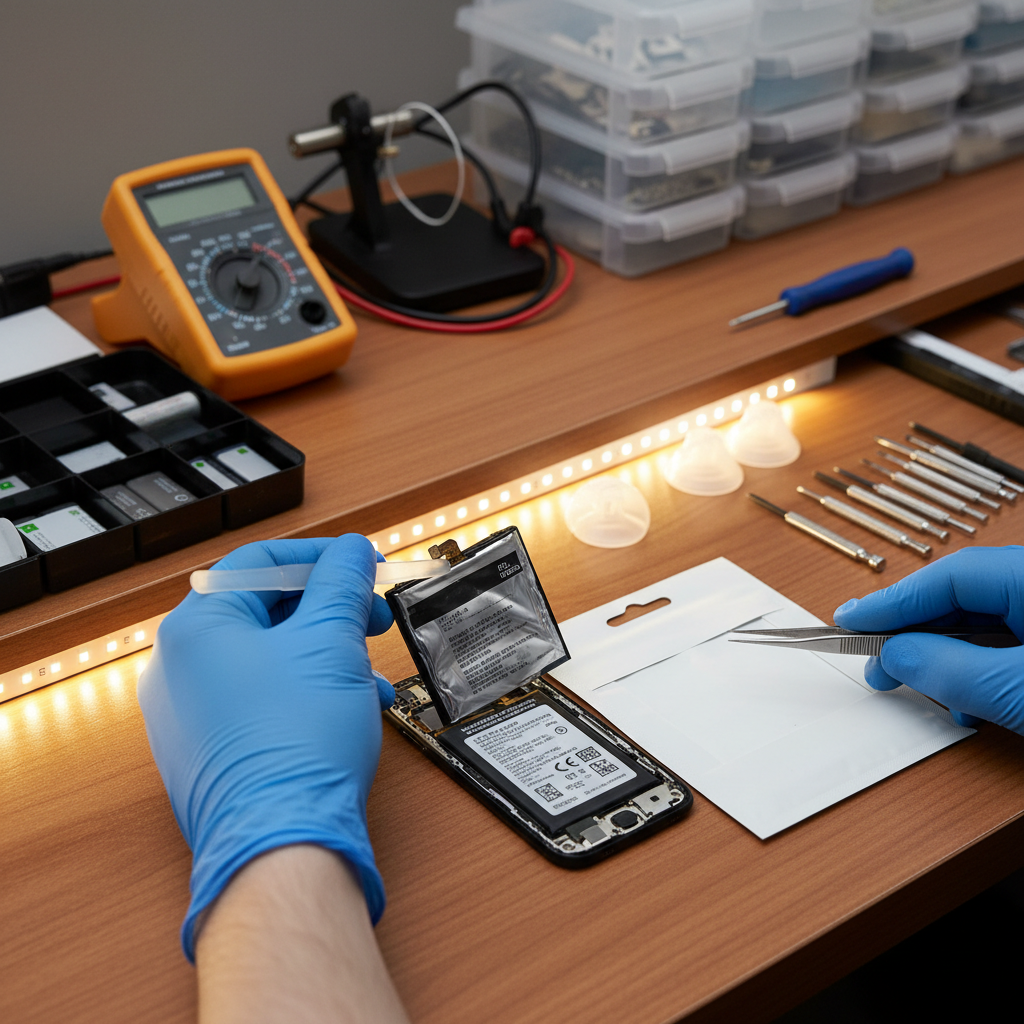
Cracked phone screens are a common issue, but you don't always need a professional to fix them. With a replacement screen kit, you can make your phone look like new. Ensure you have the right tools, such as a small screwdriver, suction cup, and a plastic opening tool.
Begin by turning off your phone and removing any screws. Use the suction cup to lift the screen gently and the plastic tool to separate it from the body. Replace the damaged screen with the new one and secure it with screws.

Fixing a Non-Responsive Keyboard
If your keyboard is not responding, it might just need a simple cleaning. Dust and debris can accumulate over time, causing keys to stick or become unresponsive. Use a can of compressed air to blow away dust and a microfiber cloth to wipe the surface.
For deeper cleaning, gently pry off the keys with a flat tool and clean underneath. Reattach the keys by pressing them back into place. This simple maintenance can often resolve keyboard issues.
Reviving a Dead Laptop Battery
A dead laptop battery doesn't always mean it's time for a new one. Sometimes, calibrating the battery can bring it back to life. Start by charging your laptop fully, then let it discharge completely before charging it again.
Repeat this cycle a few times to help reset the battery's calibration. If the battery still won’t hold a charge, it might be time for a replacement. However, this DIY fix is worth trying first.
Repairing a Faulty Headphone Jack
Issues with headphone jacks are often due to dust or lint inside the port. A quick fix is to use a toothpick or a small brush to gently clean the port. Be careful not to damage any internal components.
If cleaning doesn't work, check for loose connections. Open the device if you're comfortable, and ensure the jack is securely connected to the circuit board.
Rescuing a Water-Damaged Device
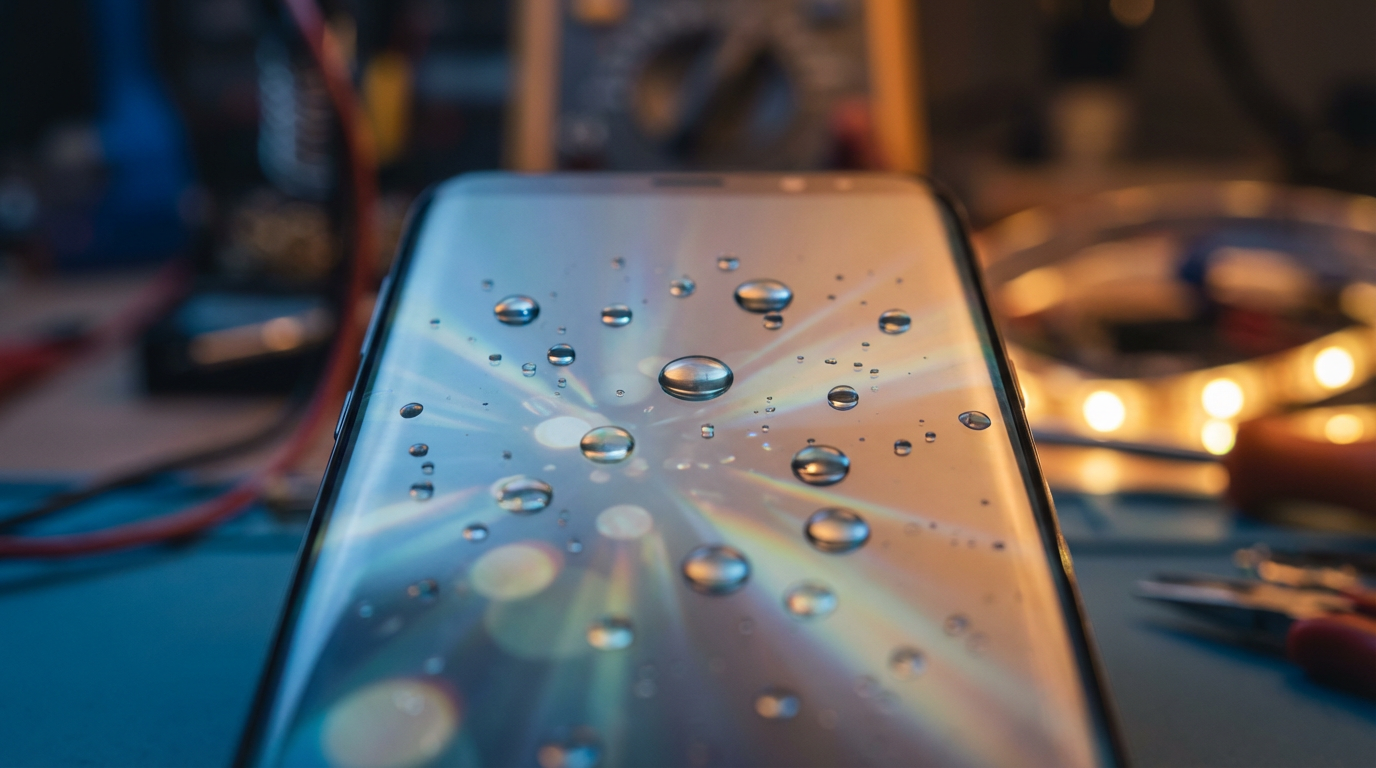
Accidents happen, and water damage is common. If your device gets wet, turn it off immediately and remove the battery if possible. Dry the exterior with a cloth and place the device in a bowl of uncooked rice for 24-48 hours. The rice can absorb the moisture.
After drying, try turning on the device. If it doesn’t work, you might need professional help, but this method often works for minor water exposure.
By tackling these simple DIY fixes at home, you can save time and money. Always ensure you have the right tools and follow safety precautions. With a little patience and effort, many electronic issues can be resolved without professional intervention.