Top 5 Common Electronics Issues and How to Fix Them


Introduction
In our tech-savvy world, electronics play a crucial role in daily life. However, common electronic issues can disrupt our routines. Understanding these problems and knowing how to fix them can save time and money. Here are the top five common electronics issues and how to tackle them effectively.
1. Slow Computer Performance
Experiencing a sluggish computer is frustrating. This issue often stems from insufficient RAM, malware, or too many startup programs.
- Check for Malware: Run a trusted antivirus program to detect and remove malware.
- Manage Startup Programs: Disable unnecessary programs from starting up with your computer to speed up its performance.
- Upgrade Hardware: Consider adding more RAM or upgrading your hard drive to an SSD for better performance.

2. Smartphone Battery Draining Quickly
Rapid battery drain is a common smartphone complaint. This can be due to background apps, high screen brightness, or outdated software.
- Background Apps: Close apps running in the background to conserve battery life.
- Adjust Settings: Lower screen brightness and turn on battery saver mode to extend battery life.
- Update Software: Ensure your phone's software is up to date, as updates often include battery optimization.
3. Overheating Devices
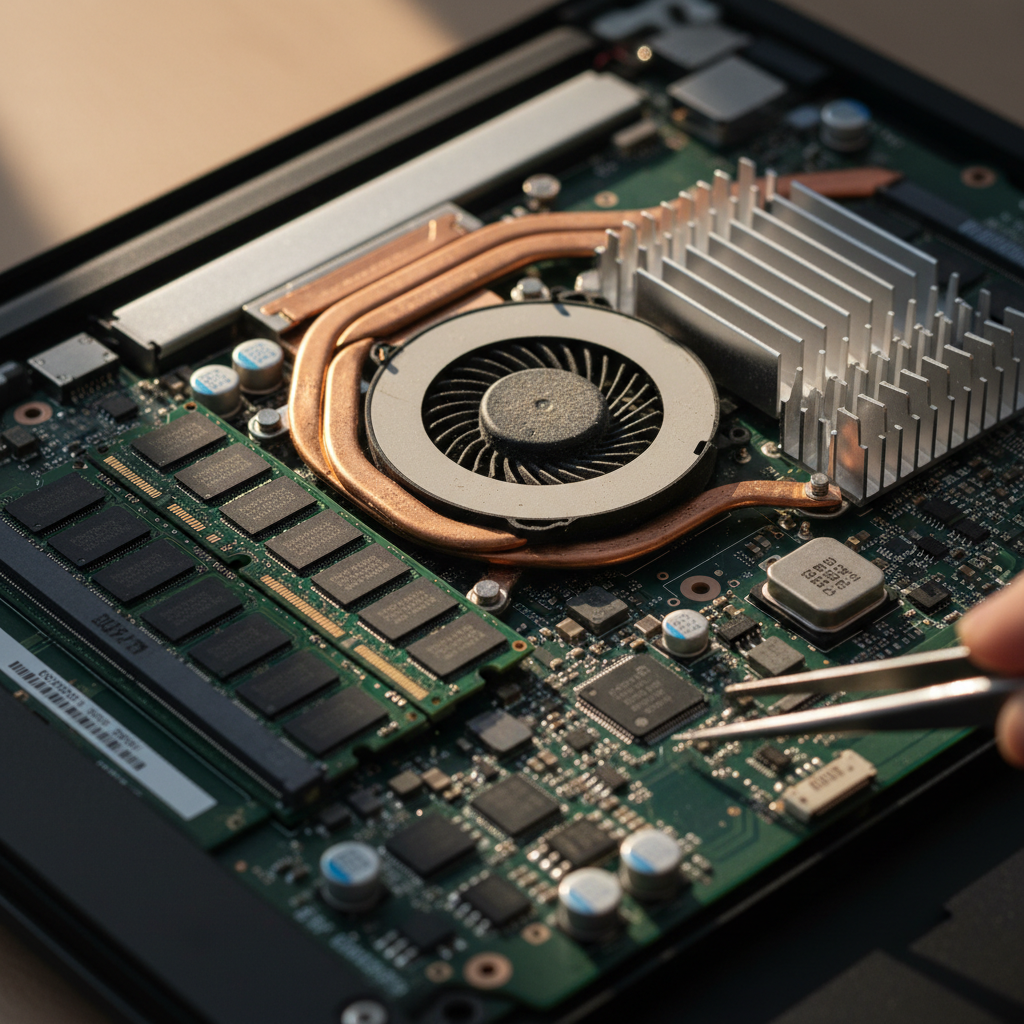
Overheating can affect performance and lifespan of devices like laptops and smartphones. It is often caused by dust buildup or excessive usage.
- Keep Vents Clear: Ensure that vents are unblocked and clean dust from fans regularly.
- Use Cooling Pads: Consider using a cooling pad for laptops to help dissipate heat.
- Limit Intensive Tasks: Avoid running too many intensive applications simultaneously.
4. Wi-Fi Connectivity Issues
Wi-Fi connectivity problems can disrupt work and entertainment. Causes might include router issues, signal interference, or outdated drivers.
- Restart Router: A simple restart often resolves connectivity issues.
- Check Interference: Ensure there are no physical obstructions or devices interfering with the signal.
- Update Drivers: Make sure your device's Wi-Fi drivers are updated to the latest version.
5. Unresponsive Touchscreen
An unresponsive touchscreen can hinder your smartphone experience. This issue may be due to software glitches or physical damage.
- Restart Device: A restart can often resolve temporary glitches.
- Check for Updates: Install any available software updates that may address touchscreen issues.
- Screen Care: Ensure the screen is clean and free from damage. Consider using a screen protector for added safety.

Conclusion
Being aware of these common electronics issues and their solutions can help you maintain your devices effectively. Regular maintenance and staying informed about potential problems can enhance your tech experience and extend the life of your electronics.