Preparing Your Devices for Brooklyn's Winter: A Step-by-Step Guide


Check Your Device's Battery Health
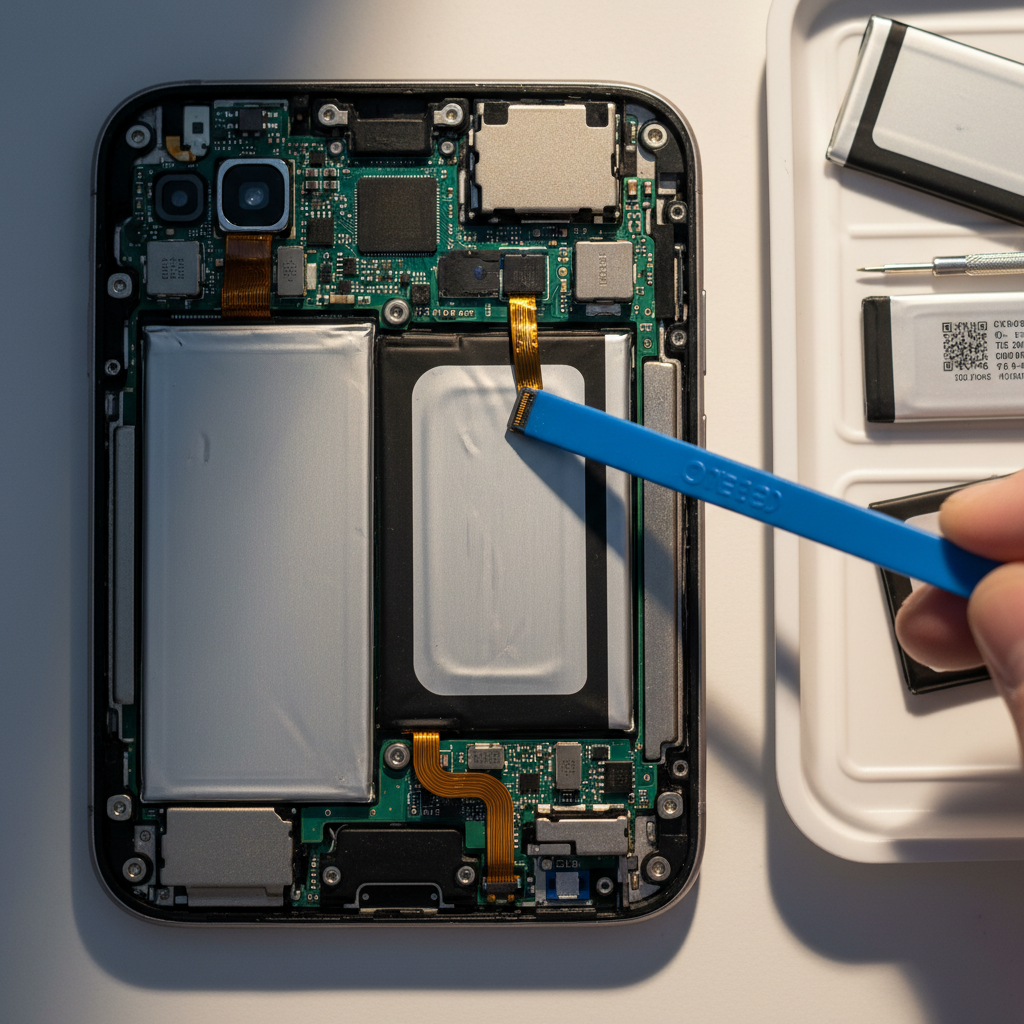
As temperatures drop in Brooklyn, one of the first things you should consider is your device's battery health. Cold weather can significantly reduce battery efficiency, leading to unexpected shutdowns or poor performance.
Make sure to check your device settings to assess the battery health. If it's lower than 80%, it might be time to consider a replacement. Additionally, try to keep your devices warm by storing them in protective cases when outdoors.
Update Software and Apps
Before winter fully sets in, ensure that all your devices are running the latest software and app versions. Updates often include critical bug fixes and performance improvements that can help your devices function more efficiently in cold weather.
Set your devices to automatically update whenever a new version becomes available. This simple step can prevent many winter-related issues, such as app crashes or connectivity problems.
Invest in Durable Cases and Screen Protectors
Winter in Brooklyn can be harsh, so it's vital to protect your devices with durable cases and screen protectors. These not only offer protection against drops and impacts but also help shield your device from the cold.
Look for cases that are specifically designed for cold weather. These often come with enhanced grip and insulation features, making it easier to handle your device with gloves on.

Optimize Storage and Performance
Cold weather can slow down your device's performance, especially if it's struggling with limited storage. Take the time to delete unnecessary files, apps, and photos to free up space and enhance performance.
Utilize cloud storage options to back up important data. This not only optimizes local storage but also ensures that your data is safe in case anything happens to your device.
Keep Charging Accessories Handy
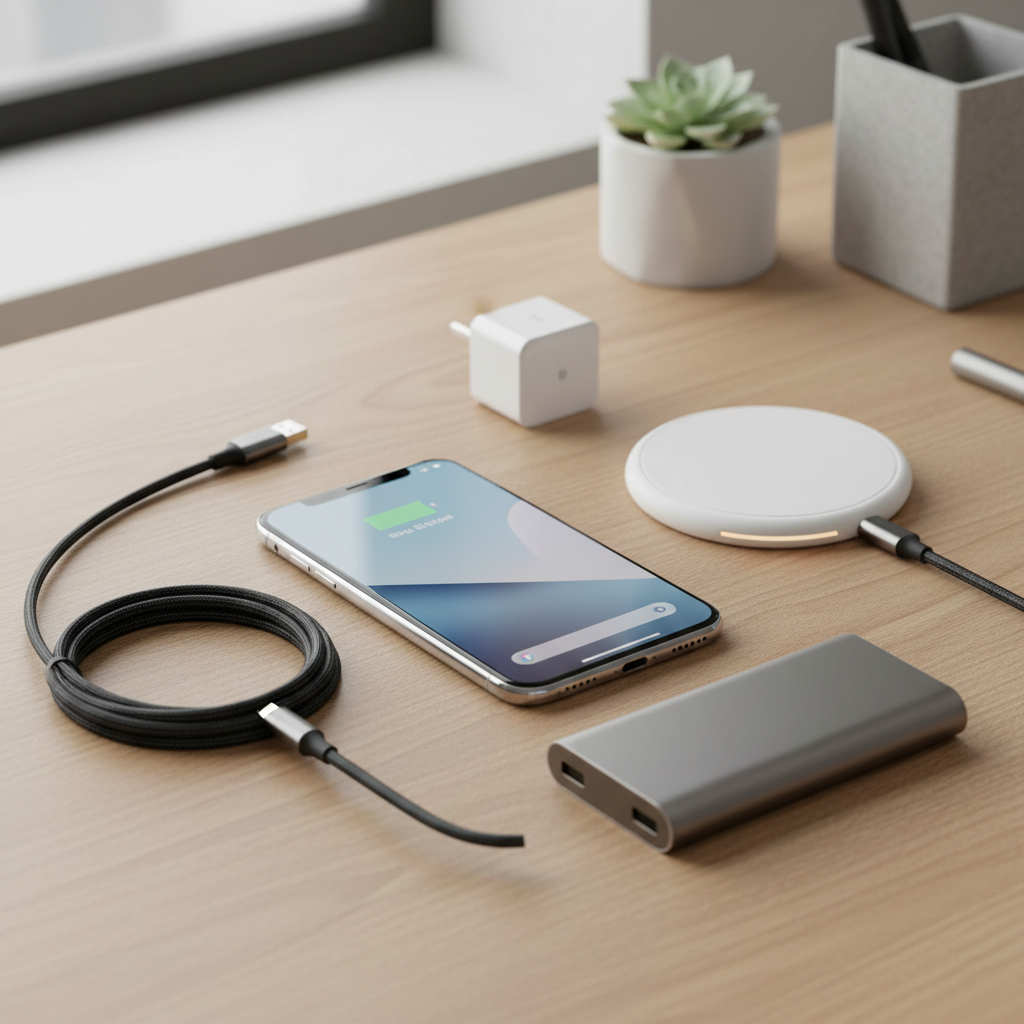
Battery life can be unpredictable in cold weather, so it's wise to keep charging accessories readily available. Carry a portable charger or power bank when you're on the go to avoid being caught with a dead device.
Ensure that your charging cables are in good condition. Frayed or damaged cables are more likely to fail in cold conditions, leaving you without a charge when you need it most.
Protect Your Devices from Moisture
Winter in Brooklyn often brings snow and sleet, increasing the risk of moisture damage. Use waterproof or water-resistant cases to safeguard your devices against unexpected weather conditions.
If your device does get wet, turn it off immediately and dry it thoroughly before attempting to turn it back on. Using silica gel packets in your storage area can also help absorb any excess moisture.
Adjust Display and Connectivity Settings
Cold temperatures can affect your device's display and connectivity. Consider adjusting the screen brightness to conserve battery life, and disable unnecessary connectivity features like Bluetooth or Wi-Fi when not in use.
These small adjustments can significantly improve your device's performance and battery life during the colder months.
Regular Maintenance Checks
Finally, conduct regular maintenance checks throughout the winter. Clean your devices and their ports to prevent dust and debris buildup, which can cause connectivity issues.
Taking proactive steps to maintain your devices will ensure they remain in optimal condition, providing you with reliable performance throughout Brooklyn's winter.