How to Troubleshoot Common Electronics Issues at Home


Understanding the Basics of Electronics Troubleshooting
Dealing with electronics issues at home can be both frustrating and challenging. However, understanding some basic troubleshooting techniques can save you time and money. The key is to follow a logical approach to identify and resolve the problem efficiently.
Before diving into complex repairs, always start by ensuring the device is properly connected to a power source. Check for any loose cables or connections that might be causing the issue. Additionally, ensure that the power outlet is functioning correctly by testing it with another device.
Identifying Common Power Issues
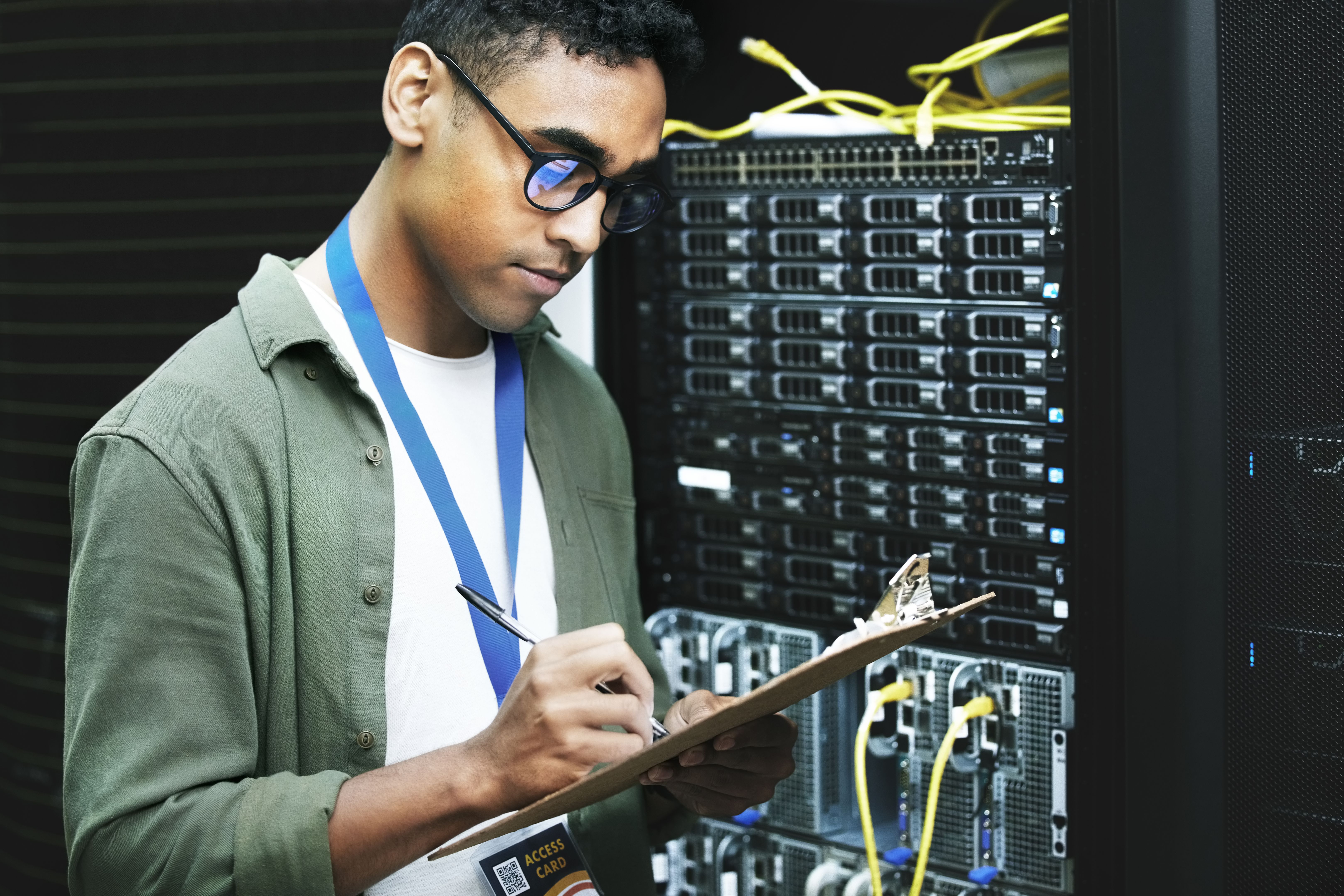
Power-related problems are among the most frequent electronic issues. If your device isn't turning on, consider checking the power supply and any adapters. Sometimes, replacing a faulty power cord can resolve the issue instantly. If you're using a device with replaceable batteries, ensure they are correctly installed and sufficiently charged.
If the device still doesn't power on, try using a different power outlet. A tripped circuit breaker or a blown fuse might be the culprit, so inspect your home's electrical panel for any anomalies.
Dealing with Software and Connectivity Problems
Software glitches can often be mistaken for hardware failures. If you're experiencing erratic behavior, consider restarting the device to clear any temporary software hiccups. Ensure that all software updates are installed, as manufacturers regularly release patches to fix known issues.
For connectivity problems, whether it's Wi-Fi, Bluetooth, or other network issues, start by resetting the connection. Turn off the device's network settings, then turn them back on. This simple step can often resolve connection issues.
Resolving Display and Audio Issues
If your device's display is flickering or showing unusual colors, check the display settings. Adjusting the brightness, contrast, and color settings might resolve the issue. If the problem persists, inspect the connection between the monitor and the device, as a loose cable can often cause display issues.
Audio problems, on the other hand, may require checking the volume settings and ensuring that the device is not muted. Inspect the audio cables and connections, and consider testing with a different pair of speakers or headphones to isolate the issue.
Addressing Overheating Concerns
Overheating is a common issue that can lead to more severe problems if not addressed. Ensure that the device is placed in a well-ventilated area and that all air vents are free from dust and obstructions. Regularly cleaning the device can prevent overheating and extend its lifespan.
When to Seek Professional Help
While many electronic issues can be resolved at home, some problems require professional intervention. If you've tried the basic troubleshooting steps without success, it might be time to consult a professional. Attempting complex repairs without the necessary expertise can sometimes lead to further damage.
Professional repair services can provide diagnostic testing and repair solutions that are beyond the scope of typical home troubleshooting. They have the tools and experience to handle more intricate issues, ensuring your device is back to optimal performance.