DIY Tips for Fixing Common Electronic Issues at Home


Troubleshooting Power Issues
One of the most common electronic issues at home is power failure. Before diving into complex solutions, ensure that the device is firmly plugged into the power outlet. It might sound simple, but loose connections are often the culprit.
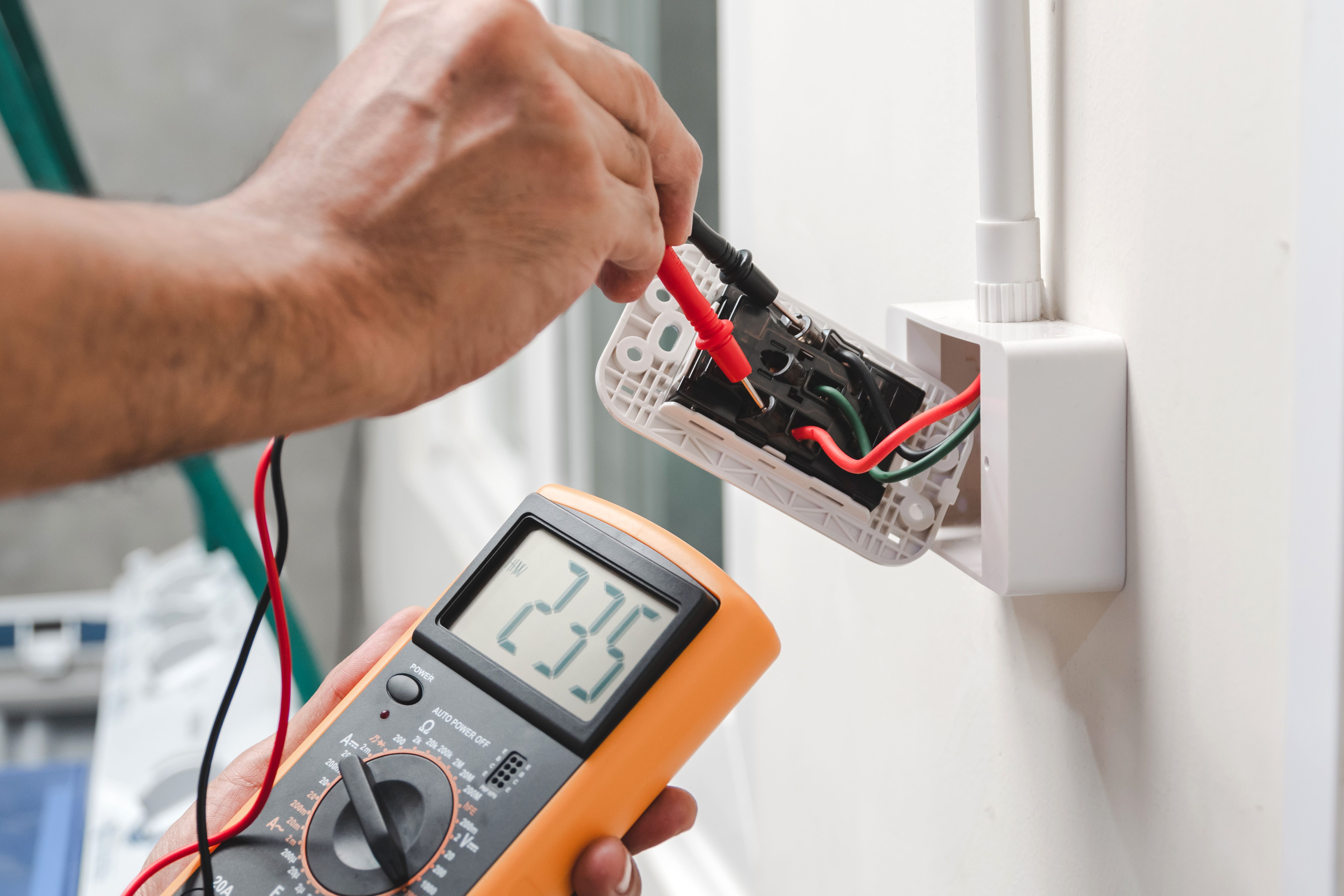
If the connection is secure, check if the outlet is functional by plugging in another device. If the outlet is faulty, consider resetting the circuit breaker or replacing the outlet. Always ensure your safety by turning off the power supply before making any changes.
Inspecting Power Cords
Damaged power cords can also lead to devices not working. Inspect the cord for signs of wear, such as fraying or cuts. If you find any damage, replace the cord immediately to prevent electrical risks. Using electrical tape as a temporary fix is not recommended for serious damage.
Resolving Connectivity Problems
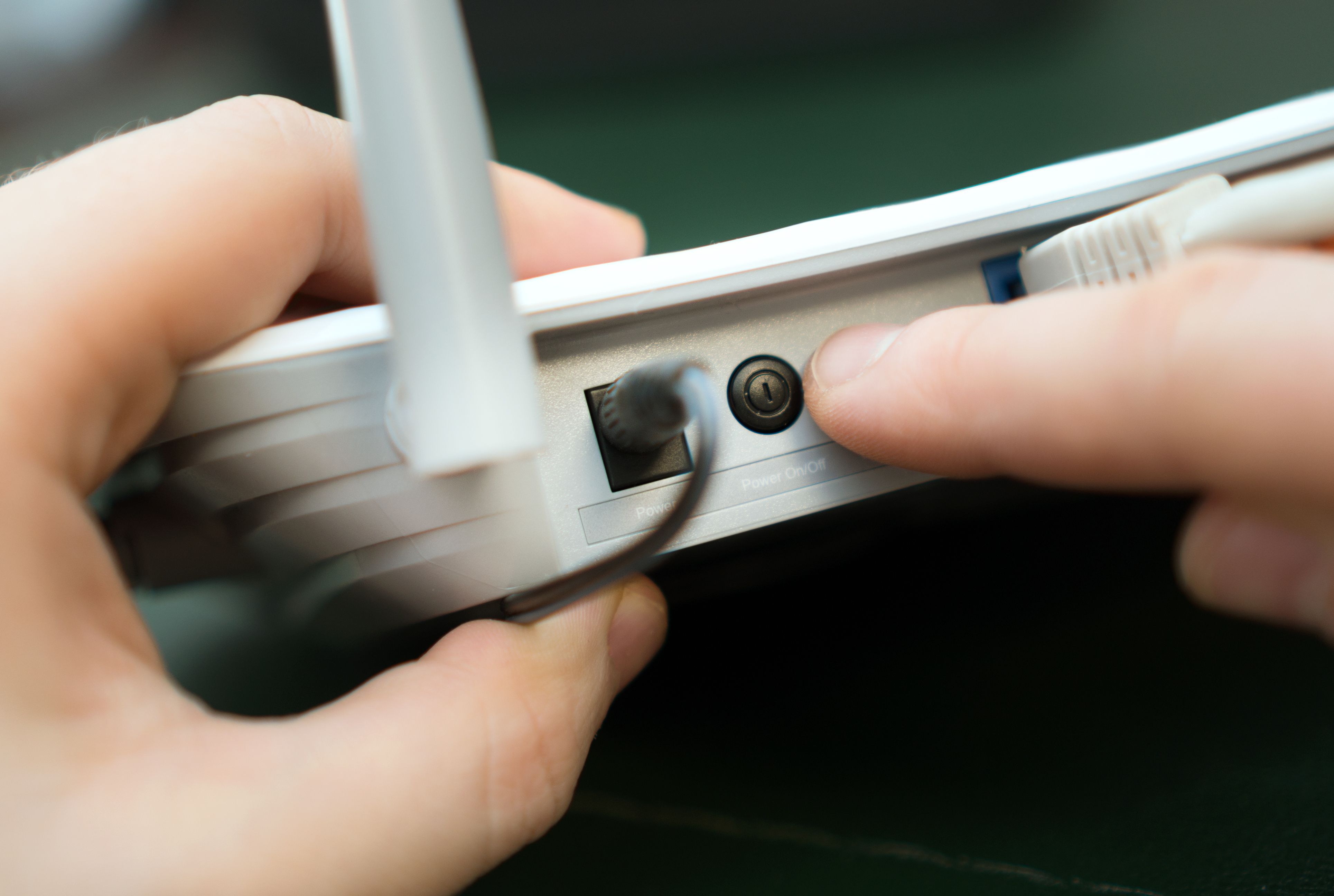
Connectivity issues, particularly with Wi-Fi, can be frustrating. Start by rebooting your router and modem. Unplug them, wait for about 30 seconds, and plug them back in. This simple reset often resolves connectivity hiccups.
Interference and Signal Strength
If a reset doesn't work, consider the placement of your router. Obstructions and interference from other devices can weaken the signal. Place the router in a central location, away from walls and electronic devices, to optimize signal strength.
Dealing with Software Glitches
Software glitches are another common issue with electronics. Devices like smartphones and computers can freeze or lag. Start by restarting the device, as this can clear temporary glitches.
Ensure that your device's software is up to date. Manufacturers often release updates to fix bugs and improve performance. Check for updates regularly and install them as needed.

Clearing Cache and Unnecessary Files
For persistent issues, consider clearing cache and deleting unnecessary files. This can free up space and improve overall device performance. Be cautious not to delete essential files or data during this process.
Fixing Display Problems
Display issues, such as flickering screens or dead pixels, can be annoying. For flickering screens, check your device's refresh rate settings and adjust them if necessary. Sometimes, the issue might be related to a loose cable connection inside the device.

Addressing Dead Pixels
If you notice dead pixels, there are software tools available that can help revive them. These tools rapidly change colors on the screen, which can sometimes reactivate the pixels. If the issue persists, professional repair might be necessary.