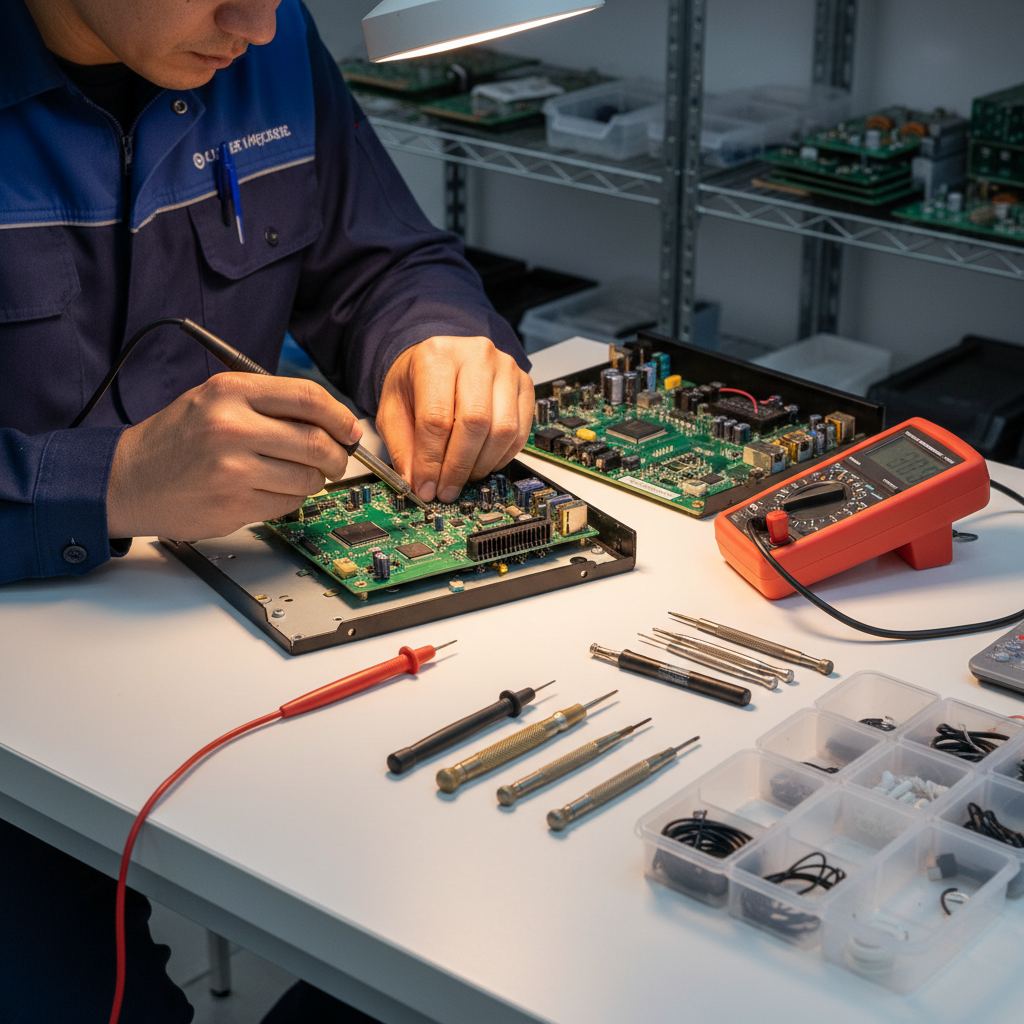
DIY Tips: How to Fix Common Electronics Issues at Home


Identifying the Problem
Before diving into any repair, the first step is identifying the issue. Begin by observing the symptoms your device is exhibiting. Is it not turning on, or is there a specific function that seems off? Often, the problem might be simpler than it appears. For instance, a device not powering on could be due to a faulty power cable or a dead battery.

Checking Power Sources
One of the most common electronics issues is power-related. Ensure that the device is plugged in properly and that the outlet is functional. You can test the outlet by plugging in another device. If the outlet is working, inspect the power cable for any visible damage like frays or bends. Sometimes, replacing a power cable can solve the issue instantly.
Dealing with Overheating
Overheating can cause significant damage to electronics. If your device gets unusually hot, it might be due to dust buildup or poor ventilation. To fix this, first, ensure the device is placed in a well-ventilated area. Next, use a can of compressed air to clear out any dust from vents and fans. This simple step can improve airflow and reduce overheating.

Battery Issues
Batteries can often be the culprit behind malfunctioning electronics. If your device's battery is draining quickly or not charging, try the following steps:
- Check the charging port for debris or damage.
- Try a different charger to rule out charger issues.
- Consider replacing the battery if it's old or swollen.
These steps can often restore your device's battery life and functionality.
Fixing Screen Problems
Screen issues, such as flickering or dead pixels, are common in electronic devices. If you encounter a flickering screen, it might be due to a loose connection. Carefully open the device and ensure all connectors are secure. For dead pixels, applying gentle pressure to the affected area with a soft cloth can sometimes help restore the display.

Software Glitches
Software can be just as tricky as hardware. If your device is running slow or apps are crashing, try restarting it first. If the issue persists, check for any software updates. Outdated software can cause various problems, and updating it might resolve them. Additionally, clearing cache and unnecessary files can free up space and improve performance.
Conclusion
Many common electronics issues can be resolved with a bit of troubleshooting and patience. By following these DIY tips, you can often fix problems without needing professional help. However, if you encounter complex issues or are unsure about your skills, it's always best to consult a professional to avoid causing further damage.