Comprehensive Guide to Fixing Common Smartphone Issues in Brooklyn


Dealing with Battery Drain
One of the most common issues smartphone users face is rapid battery drainage. In Brooklyn, where life moves fast, a dying phone battery can be more than just an inconvenience. To combat this, start by examining which apps are consuming the most power. Navigate to your phone's settings and check battery usage statistics. Disable or restrict background activity for apps you rarely use.
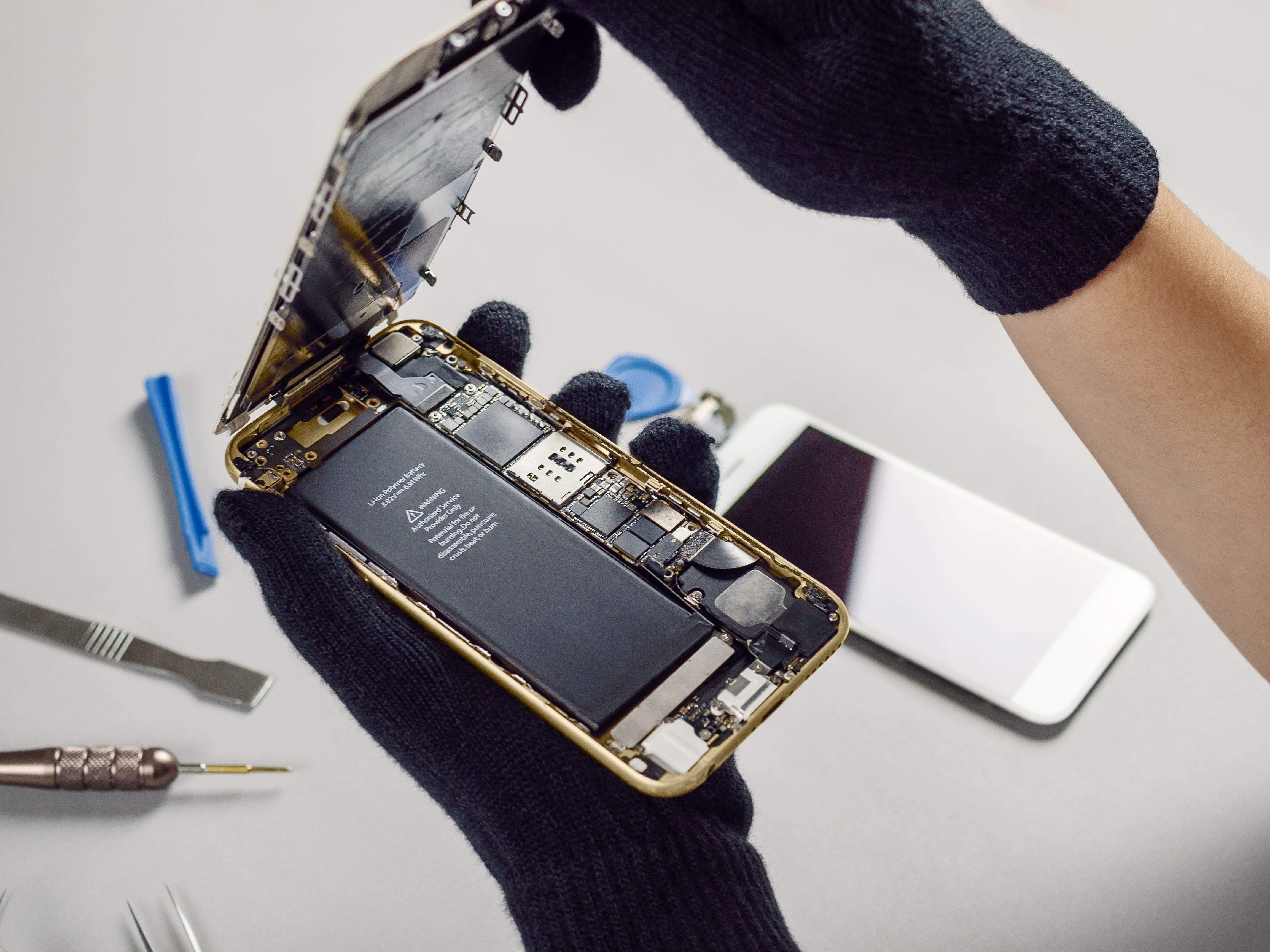
Additionally, consider adjusting your screen brightness and timeout settings. Reducing these can significantly extend battery life. If the problem persists, think about replacing your battery — many local repair shops in Brooklyn offer this service efficiently and affordably.
Resolving Connectivity Problems
In a city that never sleeps, staying connected is crucial. If you're facing Wi-Fi or mobile data issues, start with a simple reboot of your device. Often, this can resolve temporary glitches. If problems persist, try resetting your network settings, but remember this will erase saved networks and passwords.

For persistent Wi-Fi issues, check with your internet service provider in Brooklyn to ensure there are no local outages. Also, consider updating your router's firmware or switching to a less congested channel.
Addressing Slow Performance
When your smartphone begins to lag, it can be frustrating. The first step is to clear cached data. This can free up valuable resources and improve performance. For Android devices, this can be done from the settings menu; for iPhones, a simple restart often helps.

Another useful tip is to uninstall unused apps and large files. Keeping your device storage at optimal levels prevents sluggishness. If you're still experiencing issues, consider a factory reset, but ensure you back up your important data first.
Fixing Screen Issues
Cracked or malfunctioning screens are common issues for smartphone users everywhere, including Brooklyn. If your screen is cracked, visiting a local repair shop is advisable. Many offer same-day service for screen replacements.
For unresponsive screens, try a soft reset. If the problem persists, it might be a hardware issue requiring professional attention.
Handling Software Glitches
Software glitches can be annoying, but they are often fixable. Ensure your device's software is up to date, as updates often include bug fixes. If specific apps are causing trouble, try uninstalling and then reinstalling them.

For more persistent software issues, consider a device reset. This can clear any problematic software conflicts, but remember to back up your data before proceeding.
Finding Reliable Repair Services in Brooklyn
When DIY solutions don’t work, finding a reliable repair service is essential. Brooklyn is home to numerous tech repair shops. Look for businesses with good reviews and certified technicians. Many offer warranties on their repairs, providing peace of mind.
Whether you're dealing with hardware or software issues, knowing when to seek professional help can save time and prevent further damage to your device.