Comprehensive Guide to Common Electronics Repairs in Brooklyn


Introduction to Electronics Repairs
Brooklyn is home to a vibrant community of tech enthusiasts and DIY repair aficionados. Whether you're dealing with a cracked smartphone screen or a malfunctioning laptop, understanding the basics of electronics repairs can save you time and money. This guide will walk you through some of the most common electronics repairs you might encounter.
Smartphone Screen Repairs
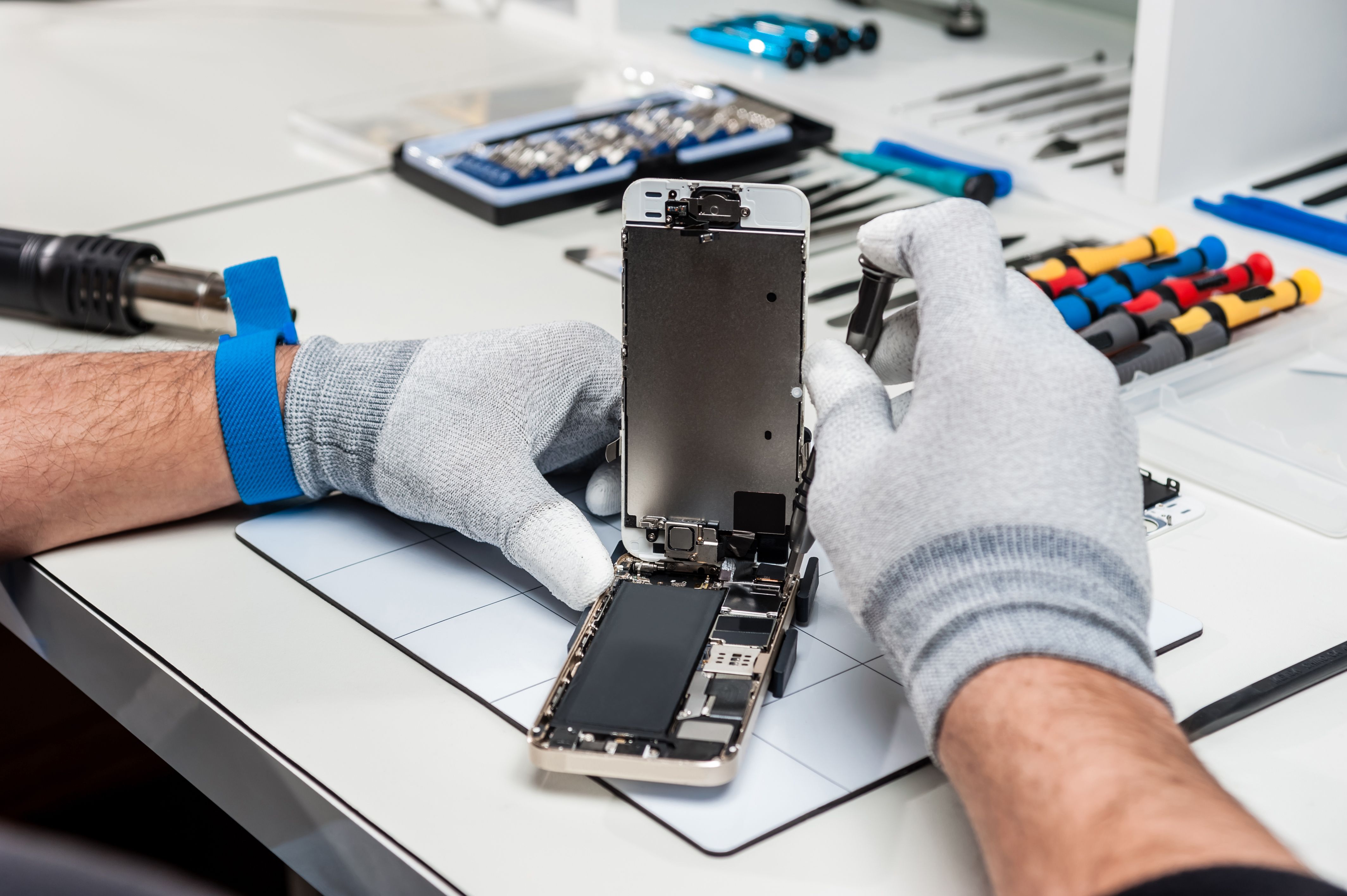
It's a scenario many of us are familiar with: a dropped phone and a shattered screen. While it might seem daunting, replacing a smartphone screen is a common repair. With the right tools and a little patience, you can restore your phone to its former glory.
Start by purchasing a replacement screen kit specific to your phone model. These kits usually come with the necessary tools and instructions. Make sure to work in a clean, well-lit area to avoid losing small components.
Steps to Replace a Smartphone Screen
- Power off the device and remove the SIM card.
- Use a hairdryer to gently heat the edges, loosening the adhesive.
- Carefully remove the broken screen using a suction cup and prying tool.
- Attach the new screen, ensuring all connections are secure.
Laptop Battery Replacement
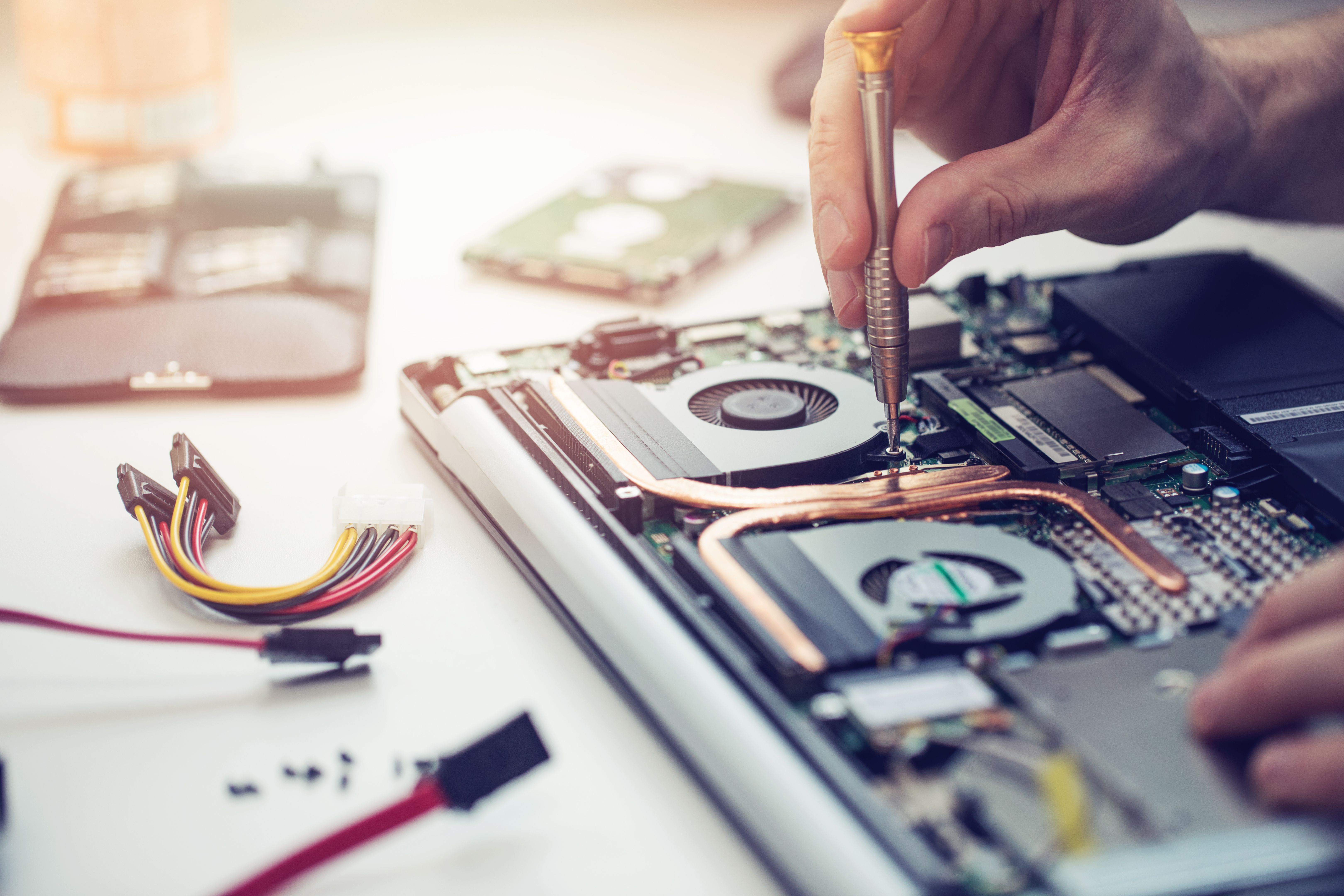
A failing battery can render your laptop practically useless. Fortunately, replacing a laptop battery is often straightforward and can breathe new life into your device. Here's how you can tackle this common issue.
Begin by identifying the correct battery model for your laptop. Most manufacturers provide detailed instructions on their websites, or you can refer to your laptop's user manual.
Steps to Replace a Laptop Battery
- Shut down the laptop and disconnect it from the power source.
- Remove the back panel using a screwdriver.
- Disconnect the old battery and replace it with the new one.
- Reassemble the laptop and power it on to check the new battery status.
Fixing Audio Device Issues
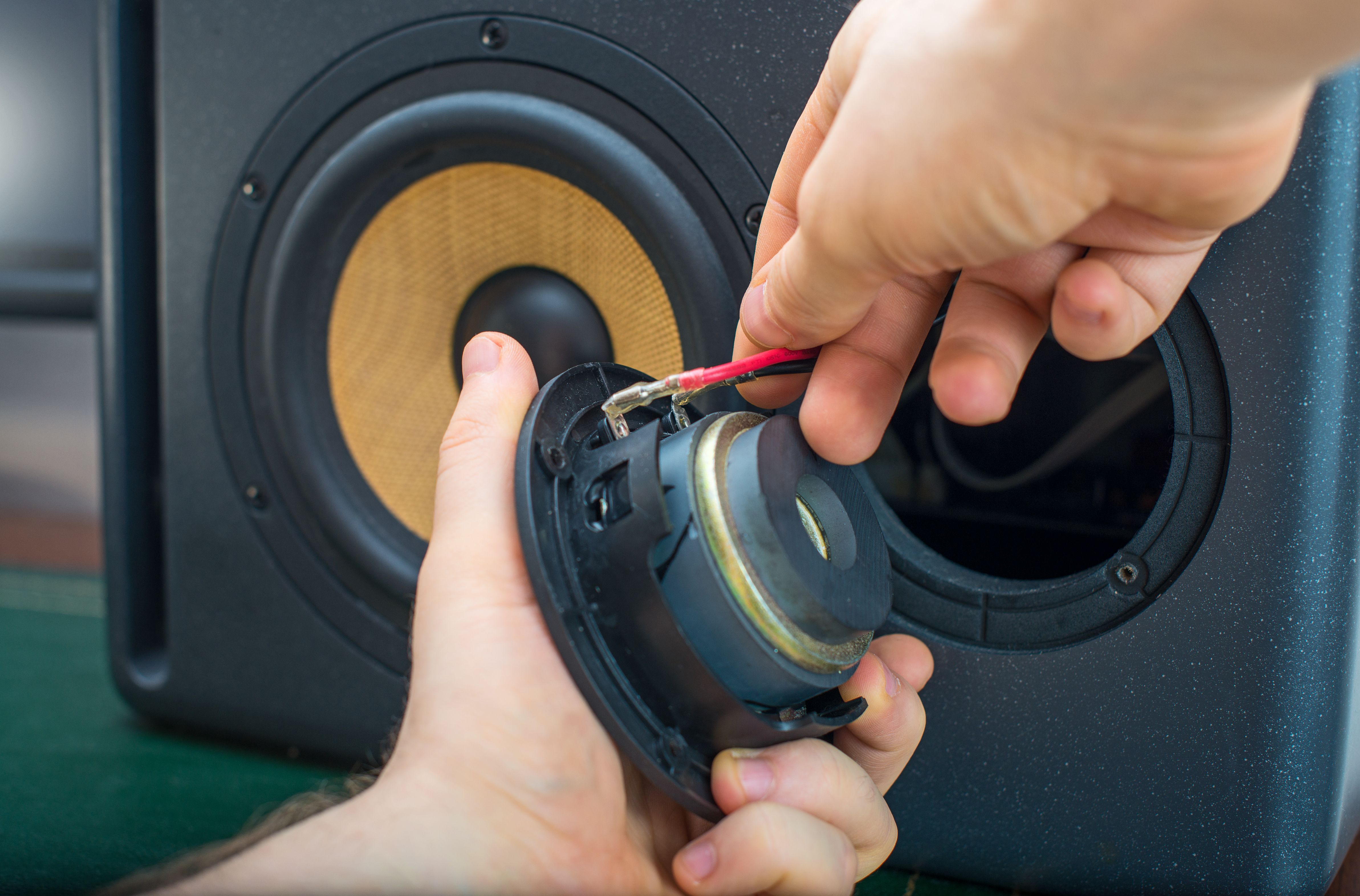
Headphones, speakers, and other audio devices are prone to wear and tear. Common issues include broken wires, loose connections, and faulty jacks. With some basic soldering skills, you can often fix these problems yourself.
Start by identifying the source of the issue. A multimeter can be helpful for checking connections and identifying breaks in the wiring.
Steps to Repair Audio Devices
- Disassemble the device carefully and locate the problem area.
- Use a soldering iron to repair or replace damaged wires.
- Reassemble the device, making sure all parts are securely in place.
Conclusion
Electronics repairs can be a rewarding endeavor that not only saves money but also extends the life of your devices. Whether you're replacing a smartphone screen or fixing audio equipment, having a basic understanding of common repairs empowers you to tackle issues with confidence. Remember to always prioritize safety and consult a professional if you're unsure about a repair. Brooklyn's community is rich with resources and fellow enthusiasts ready to support your repair journey.